
Milk producers or principal can view their milk weights and quality values for each month using mobile app (iOS or Android) or the web app.
To get started as a principal/producer you need register first.
- Open the browser and navigate to https://principal.totalmilk.com
- Register using your Google Account, this is the fastest and efficient way for user account registration
- If Google account is not an option, you can still register using your active email address
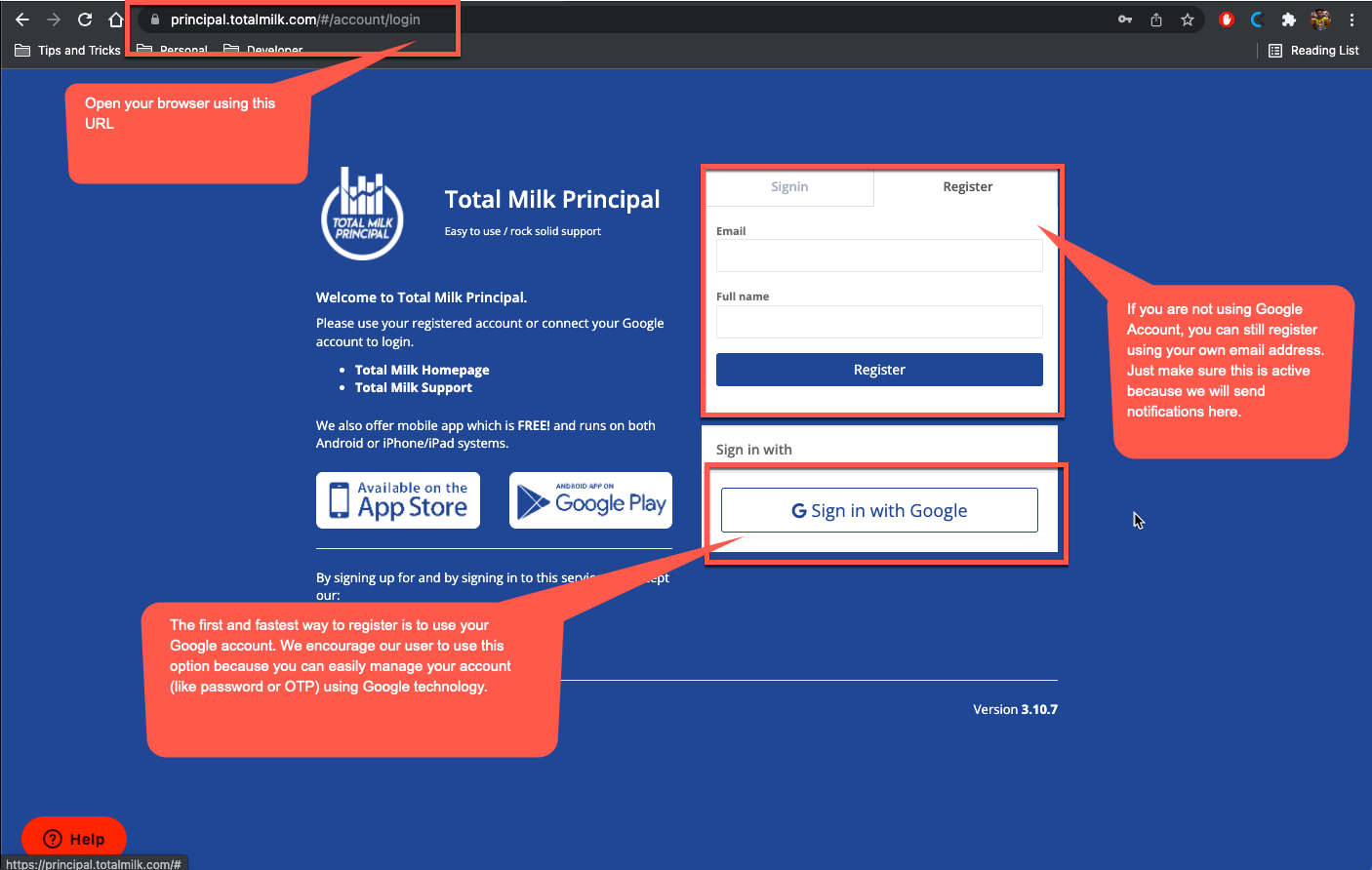 Click the image to enlarge, here is register screen
 - You will be asked for the organization code after the registration. Ask your administrator/plant manager for the valid values.
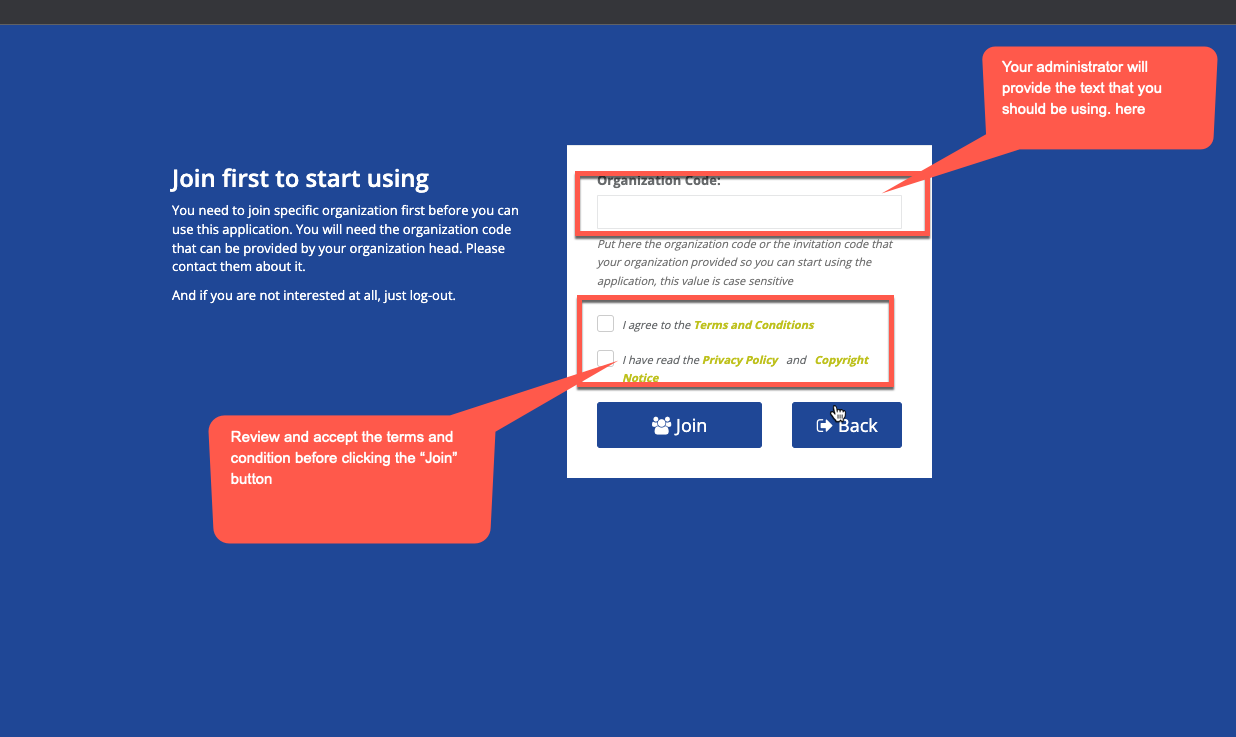 Click the image to enlarge, input the organization code
 - After clicking the join button, your administrator/plant manager will be notified about your registration and they will setup your account properly. So just wait for them to notify you to start logging in to the application.
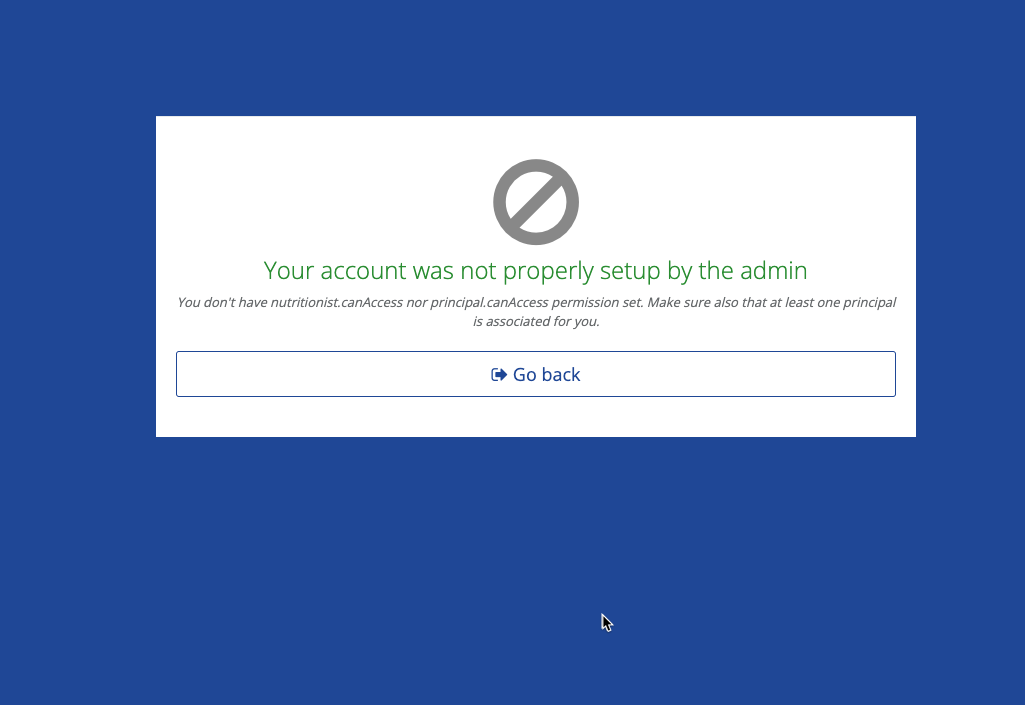
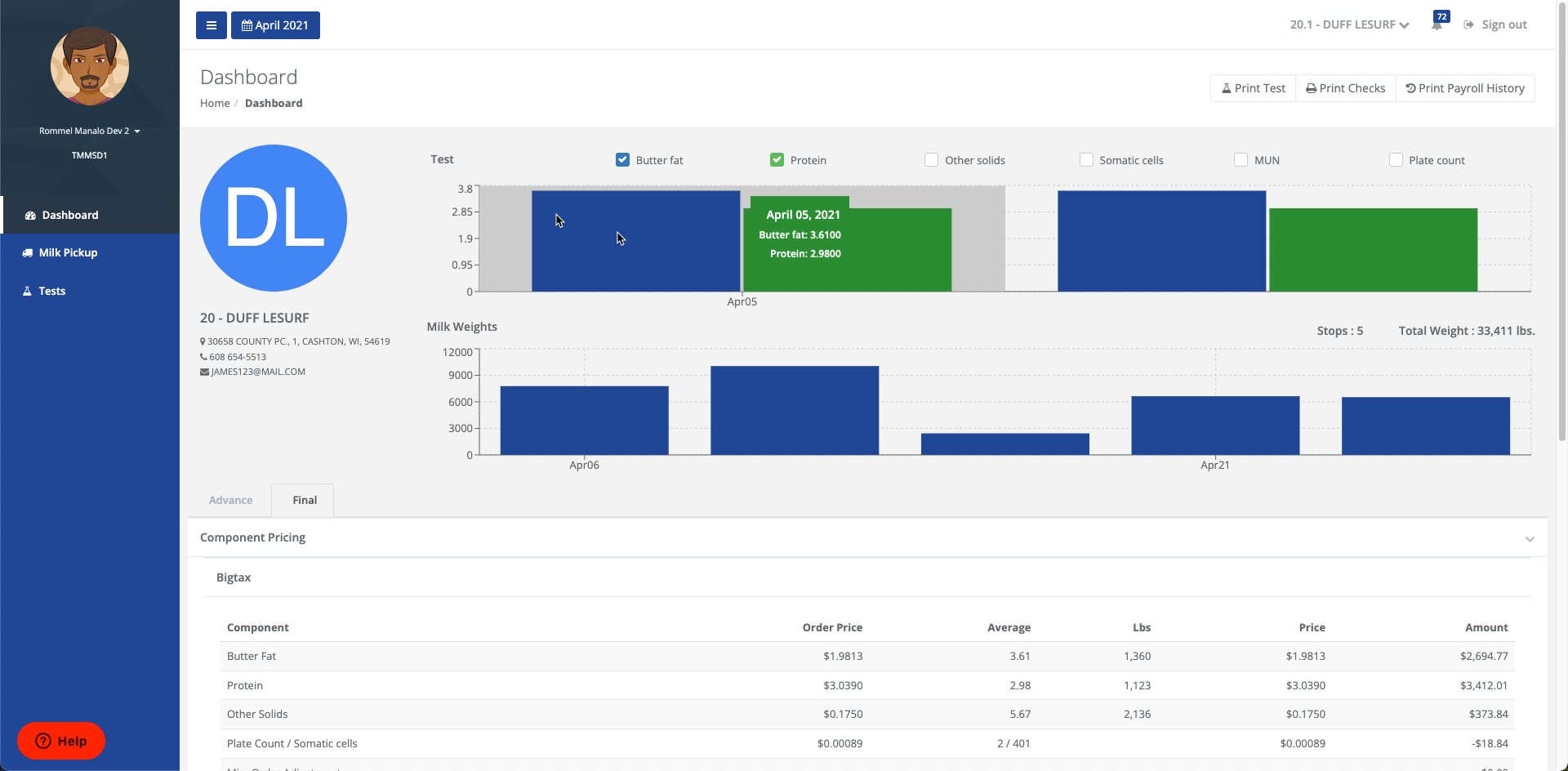
- After your account activation, you should be able login to see the home page for your milk values.
The administrator or the plant manager should activate and setup the principal account, and below are the steps to do that.
- As a plant manager, you should login to https://payroll.totalmilk.com and go to the settings section
- Look for the user that needs to be activated and setup
- Click the Activate button
- Click the Set Permissions button and choose ONLY principal.canAccess
- Choose which principal that user needs to view. You can associate 1 or more principal to a single user account.
6. After the setup go ahead and tell your user that they can start logging in to principal.totalmilk.com or from the mobile app
Comments
0 comments
Please sign in to leave a comment.